
GPT Image 2 AI Image Generator & Photo Editor
OpenAI GPT Image 2 (GPT Image 2) AI Image editor
Choose a style and create stunning AI artworks instantly
✔️Use built-in GPT Image 2 styles or ✔️Bring your own prompts
Master-crafted GPT Image 2 AI Styles
No prompts needed - choose a style and create beautiful GPT Image 2 AI artworks
GPT Image 2 Generator & Editor
🎨 GPT Image 2 is the latest next-gen AI image generation and editing model from OpenAI. As a core component of the GPT-5 ecosystem, it represents a quantum leap in compositional logic, text rendering, and complex instruction following. It features 'Precision Inpainting' and 'Persistent Style Locking,' allowing users to perform pixel-level fine-tuning through natural language—whether adjusting facial expressions, altering environmental lighting, or switching scenes while maintaining character consistency. GPT Image 2 aims to dissolve professional design barriers, making high-quality creative expression and commercial-grade image production accessible to everyone.
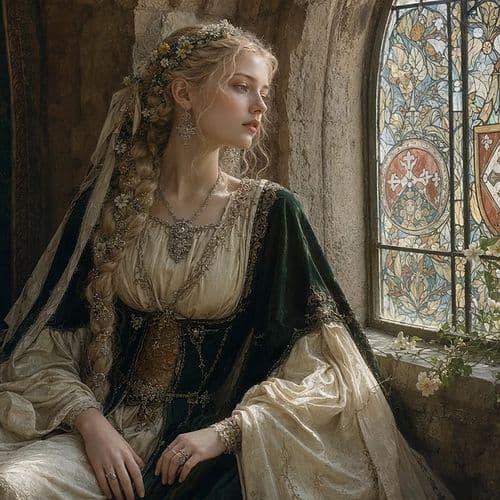
GPT Image 2 Generator & Editor
🎨 GPT Image 2 is the latest next-gen AI image generation and editing model from OpenAI. As a core component of the GPT-5 ecosystem, it represents a quantum leap in compositional logic, text rendering, and complex instruction following. It features 'Precision Inpainting' and 'Persistent Style Locking,' allowing users to perform pixel-level fine-tuning through natural language—whether adjusting facial expressions, altering environmental lighting, or switching scenes while maintaining character consistency. GPT Image 2 aims to dissolve professional design barriers, making high-quality creative expression and commercial-grade image production accessible to everyone.
Nano Banana 2 Generator & Editor - Gemini 3.1
🍌Nano Banana 2 is Google's latest next-gen AI image model from the Gemini 3.1 family. It comes with stronger visual understanding and smarter editing abilities. Designed for everyday creators, it can generate high-quality, realistic images from simple instructions and make detailed edits without losing style or accuracy. Whether you want to change backgrounds, adjust lighting, fix faces, or create entirely new scenes, Nano Banana 2 can handle it quickly and effortlessly. It's built for both fun and professional use, supporting viral-style photo edits, concept art, and creative storytelling. Nano Banana 2 aims to make powerful image generation as easy as typing a few words—no special skills required.
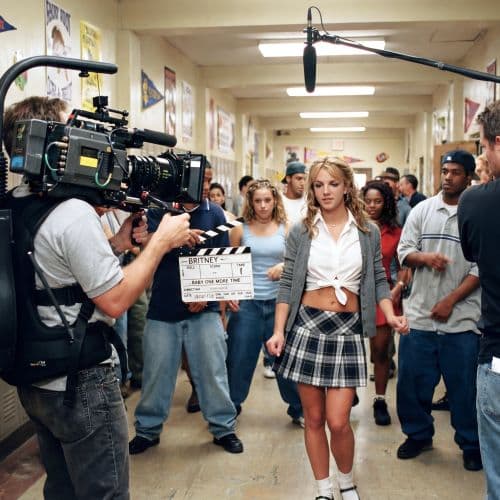
Nano Banana 2 Generator & Editor - Gemini 3.1
🍌Nano Banana 2 is Google's latest next-gen AI image model from the Gemini 3.1 family. It comes with stronger visual understanding and smarter editing abilities. Designed for everyday creators, it can generate high-quality, realistic images from simple instructions and make detailed edits without losing style or accuracy. Whether you want to change backgrounds, adjust lighting, fix faces, or create entirely new scenes, Nano Banana 2 can handle it quickly and effortlessly. It's built for both fun and professional use, supporting viral-style photo edits, concept art, and creative storytelling. Nano Banana 2 aims to make powerful image generation as easy as typing a few words—no special skills required.
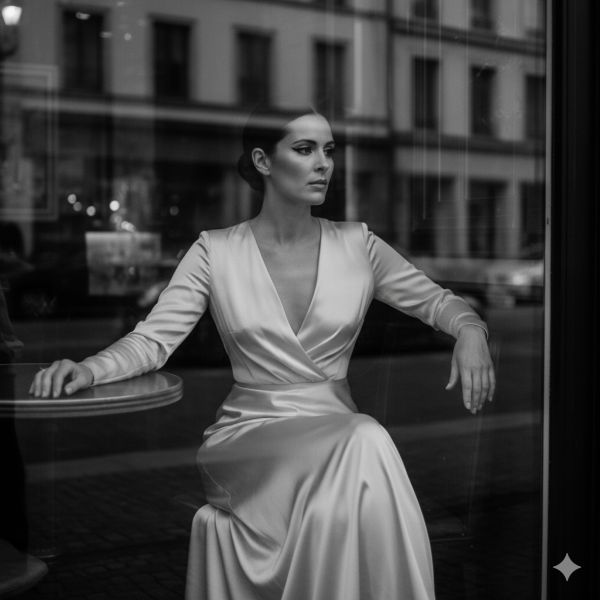
B&W Model Portrait
Classic black and white photography style highlighting silhouettes and lighting effects

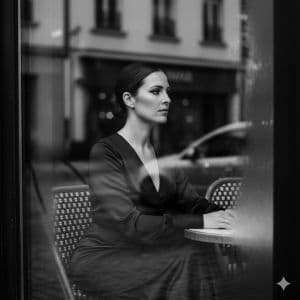
B&W Model Portrait
Classic black and white photography style highlighting silhouettes and lighting effects
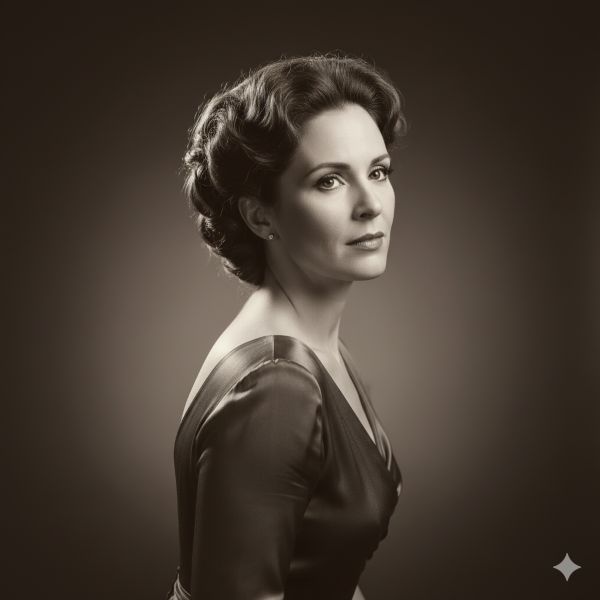
Professional Headshot Blue Background
Professional business headshot with blue texure background, formal yet approachable

Professional Headshot Blue Background
Professional business headshot with blue texure background, formal yet approachable
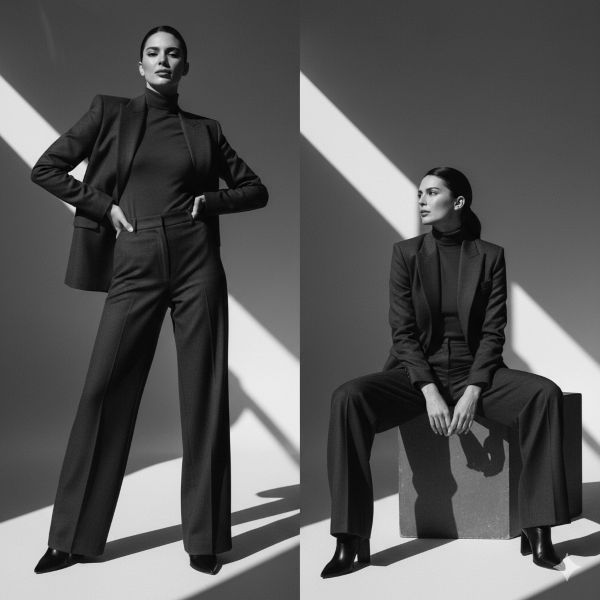
Professional Headshot Apple Executive
Apple executive–style headshot with a minimal, plain background.

Professional Headshot Apple Executive
Apple executive–style headshot with a minimal, plain background.
What is Copictor?
Copictor is a GPT Image 2 AI image generator powered by OpenAI that turns complex creation into a simple, one-click experience. We've pre-configured professional GPT Image 2 styles so you can focus on creating, not on learning technical prompts.
- Pre-built GPT Image 2 StylesArtist-refined professional GPT Image 2 styles ready to use. No prompt engineering required.
- One-Click GenerationSimply choose a GPT Image 2 style and click 'Generate'. Professional AI images in seconds with OpenAI GPT Image 2.
- Instant AI ImagesGet your GPT Image 2 AI images in seconds. No long waiting, no complex setup, no learning curve.
Why Choose Copictor GPT Image 2 Generator?
Experience the simplest way to create professional AI images with GPT Image 2 powered by OpenAI. Designed for everyone, from complete beginners to AI art enthusiasts.
How to Create with GPT Image 2
Create stunning AI images with GPT Image 2 in three simple steps:
Key Features of Copictor GPT Image 2 Generator
Everything you need to create professional AI images with GPT Image 2 and OpenAI without any technical knowledge. Get your AI images today.
No Prompts Needed
Forget about remembering complex prompts. We've done the hard work with GPT Image 2 for you. Of course you can still customize any prompt or bring your own prompt.
One-Click Generation
No prompts, no settings, no learning curve. Just click and create beautiful GPT Image 2 AI images instantly with OpenAI GPT Image 2.
Professional GPT Image 2 Styles
A curated collection of high-quality GPT Image 2 styles created by professional artists and designers, powered by OpenAI.
Instant Results
Get your GPT Image 2 AI images in seconds, not minutes. Fast OpenAI processing for immediate satisfaction.
User-Friendly Interface
Designed for everyone. So simple that anyone can create professional GPT Image 2 AI images effortlessly.
High-Quality Output
Professional-grade GPT Image 2 AI images suitable for printing, sharing, or commercial use.
AI Portrait Creation, Simplified
for its ease of use and instant results.
Generate in
1
Click
Learn in
1
Second
Styles Ready
10+
Cases
Frequently Asked Questions
Have another question about GPT Image 2 or our AI image generator? Contact us via email.
What AI model does Copictor use?
Copictor uses GPT Image 2, powered by the world's most advanced OpenAI Image model. Built upon this powerful OpenAI foundation, our team of professional artists, painters, and photographers has fine-tuned GPT Image 2 specifically for creating stunning AI images, with a collection of built-in artistic style templates.
Do I need to write prompts to use Copictor?
No. You don't need a prompt to start creating with GPT Image 2. You simply choose from our curated GPT Image 2 styles and OpenAI handles the rest. You can also bring your own custom prompts or copy prompts from elsewhere for personalized creation — we also provide customized services.
Is it really one-click?
Yes. Once you've selected a GPT Image 2 style you like and/or your reference image, it takes just one click on the 'generate' button to create your AI image with OpenAI GPT Image 2.
Who is Copictor for?
Copictor GPT Image 2 is for everyone! Whether you're a photographer, a student, a business owner, or just someone who loves to create, our tool makes AI image generation accessible to all skill levels.
How long does it take to get my AI image?
We always strive to provide you with fast response and exceptional service. With GPT Image 2 powered by OpenAI, you'll see your finished AI image in seconds. Don't leave the page until image generated.
What can I do with the AI images I create?
You can download your GPT Image 2 creations to use for personal projects, social media, marketing materials, or print them out. You can also use it for educational or commercial purposes.
Do you add new GPT Image 2 styles?
Yes, we are constantly working with artists to add new and exciting GPT Image 2 styles to our collection. Check back often to see what's new!
Can I get a refund?
No, our sales are non-refundable. We want you to enjoy your experience with Copictor GPT Image 2 and get the most out of it.
Create Your First GPT Image 2 AI Image
Find a GPT Image 2 style, click generate, and get your AI image in seconds with OpenAI GPT Image 2.